VERSO
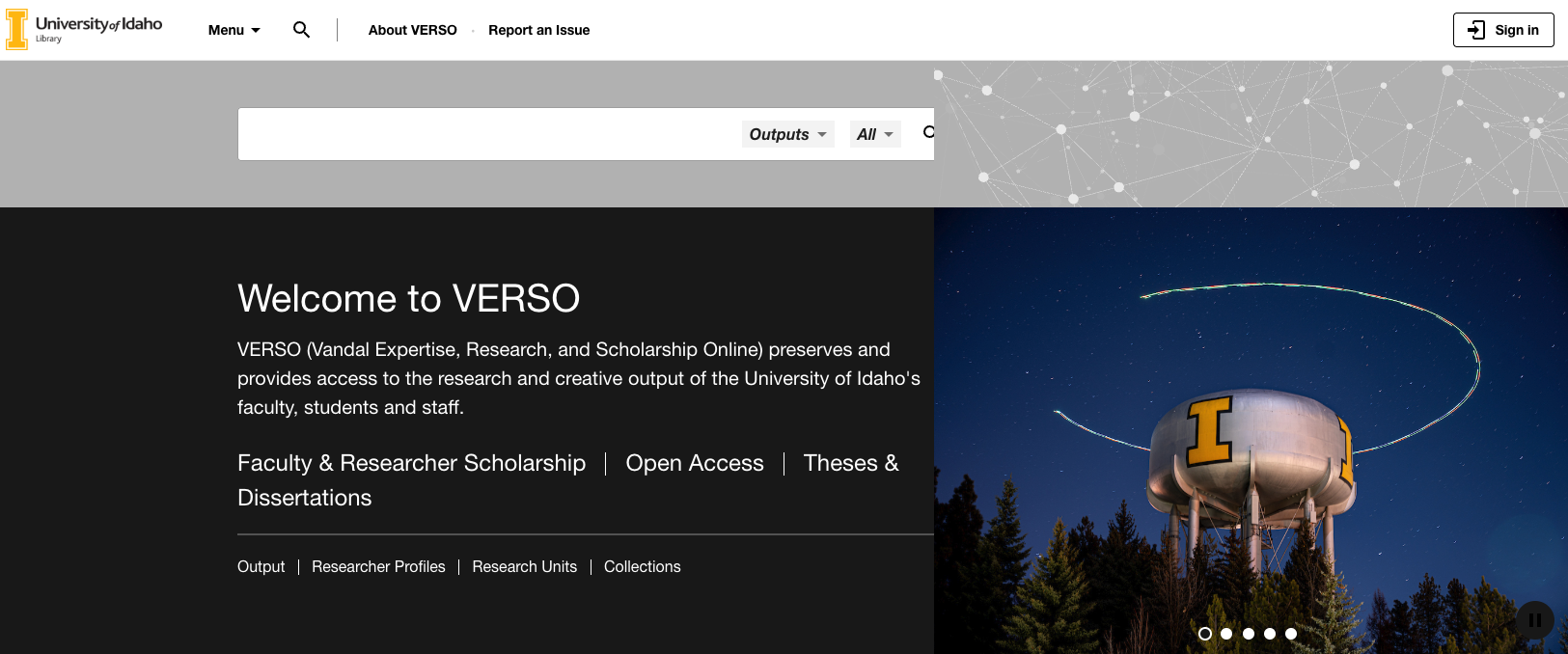
VERSO is another resource that can be helpful for your academic research and writing. The database is the institutional repository for the university, meaning that it was developed to host all of the academic output of its faculty. This includes work like peer-reviewed journals that we’ve discussed finding in the last three resources, but also more abstract output like code, datasets, performances, recitals and even this workshop. To find all of this unique scholarly work for your own research, select Open Access on the landing page menu seen above.
Additionally, the database provides unique insights into:
- What topics have students in your discipline already explored?
- Which professors are working within your field of interest?
- Among those professors, which ones seem to be leading the field, or creating the most popular work?
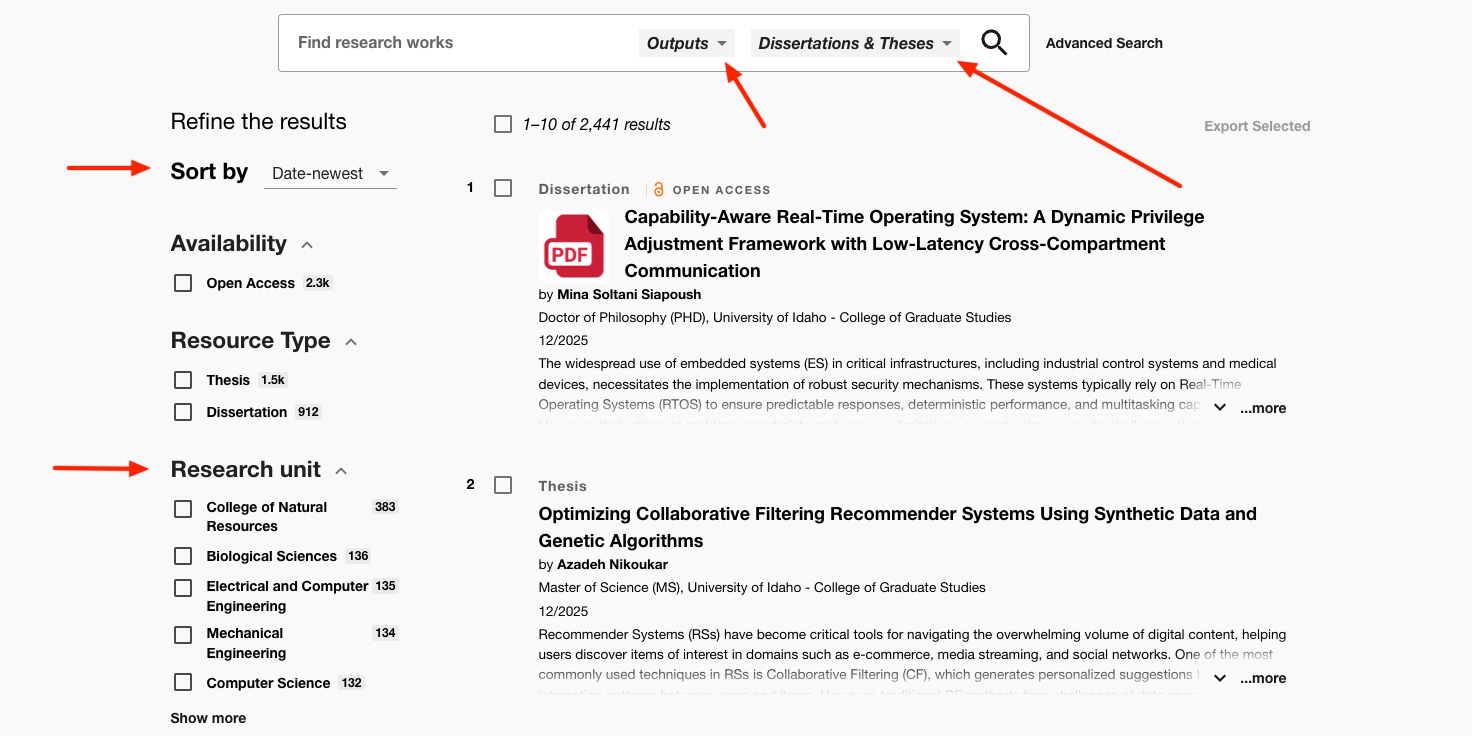
To learn more about what work has already been published by other students in your field, visit the landing page, then select theses and dissertations from the menu. This will take you to a list of all academic outputs, which you can refine by adding keywords to the search bar, choosing between thesis and dissertation, adjusting dates of publication or subject tags.
Note: If there has already been work on the subject you are interested in exploring, it just means there are new possible approaches you could take in your own work. This might include analyzing your subject from a different time period, geographic location, or cultural perspective. The work might have predated technologies that can help update the findings and create new academic connections. Additionally, refining results by research unit can help you identify if your subject of interest may have been written about extensively in another discipline, but under-researched in your own.
✺
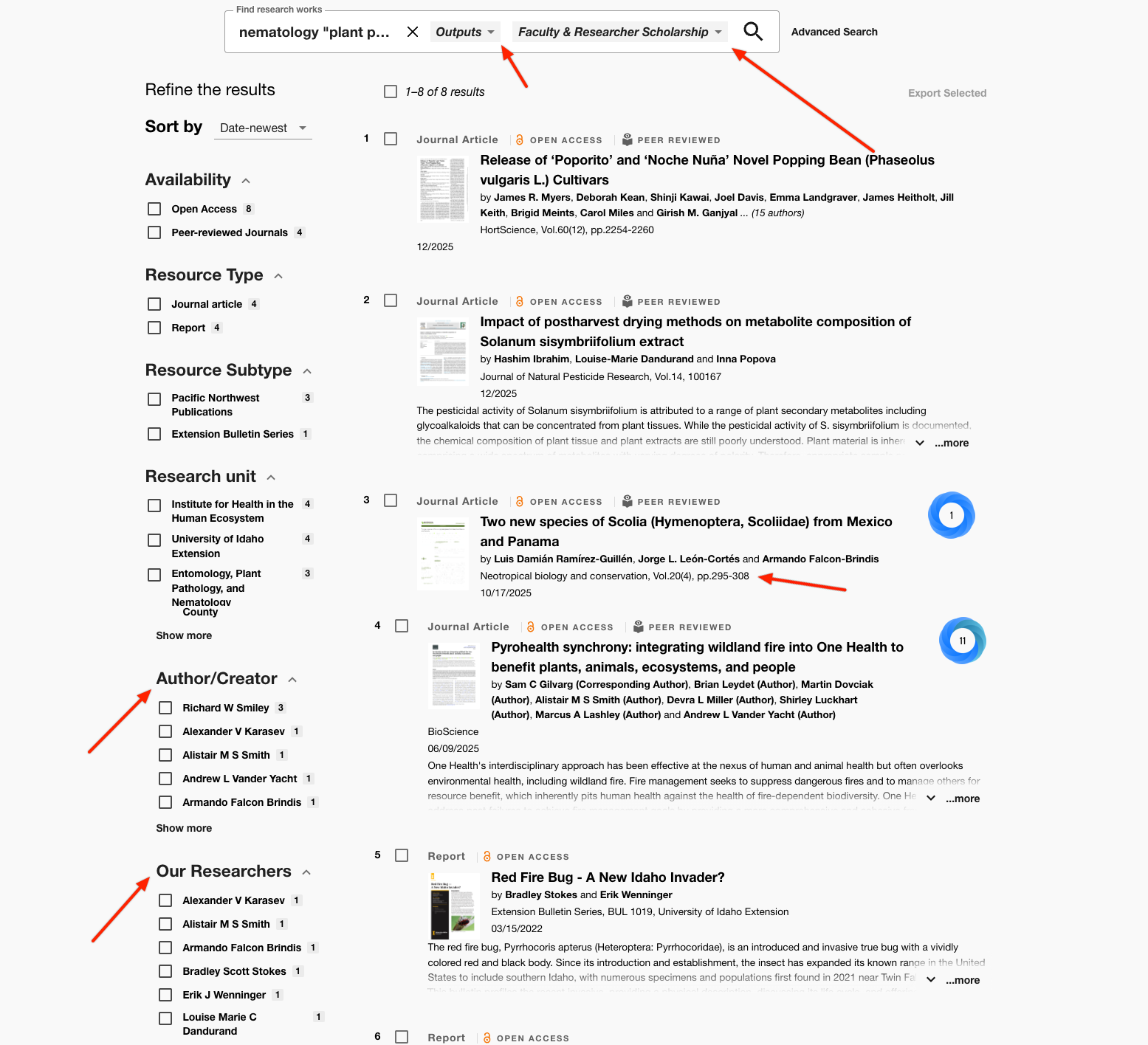
To search for faculty that may have produced work in your area of interest, change the dropdown items in the search bar to Outputs and Faculty and Researcher Scholarship and enter your search terms, in this example, nematology “plant pathology”. These results will show you:
- Publications you may want to pursue that specialize in your subject
- Authors and researchers who have published the most material on the subject you are interested in
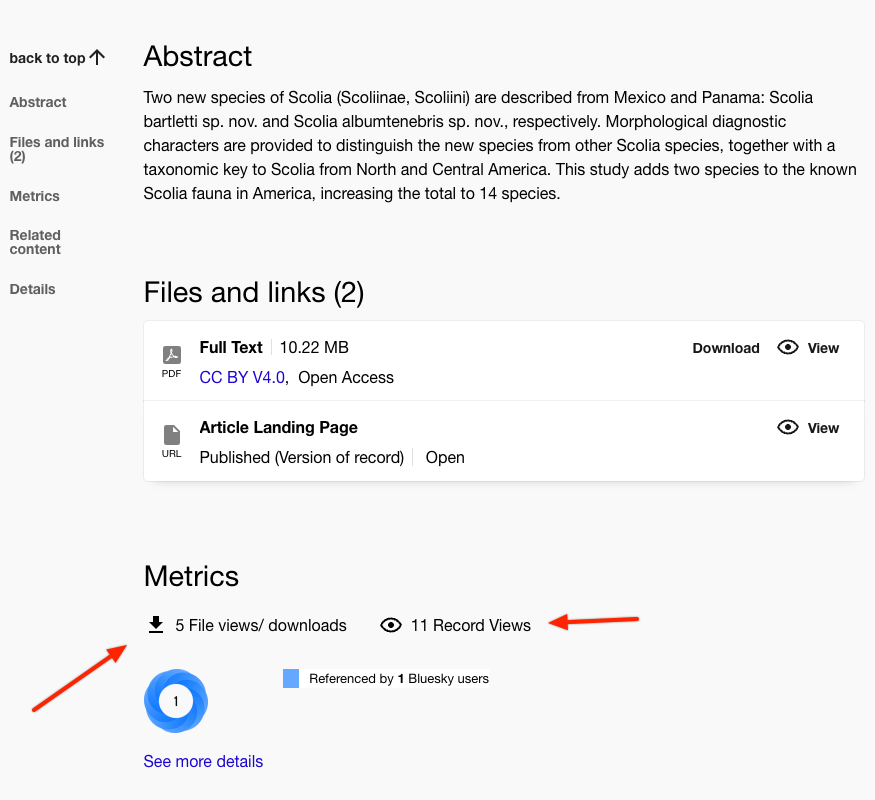
When you select one of these results and scroll down, you can also see how many times that work has been downloaded and viewed within VERSO. To find things like co-authorship data, number of citations outside of U of I, and more detail-oriented bibliometric data, Web of Science is still going to be your best bet.